Swim
Choose half or full distance, your race date, your start date, and your level, and the plan is built backward from race day.



Day-by-day 70.3 and 140.6 triathlon training plans, built backward from your race date.
70.3 and 140.6 plans · iPhone and Apple Watch
Requires iPhone with iOS 18 or later. Apple Watch optional.
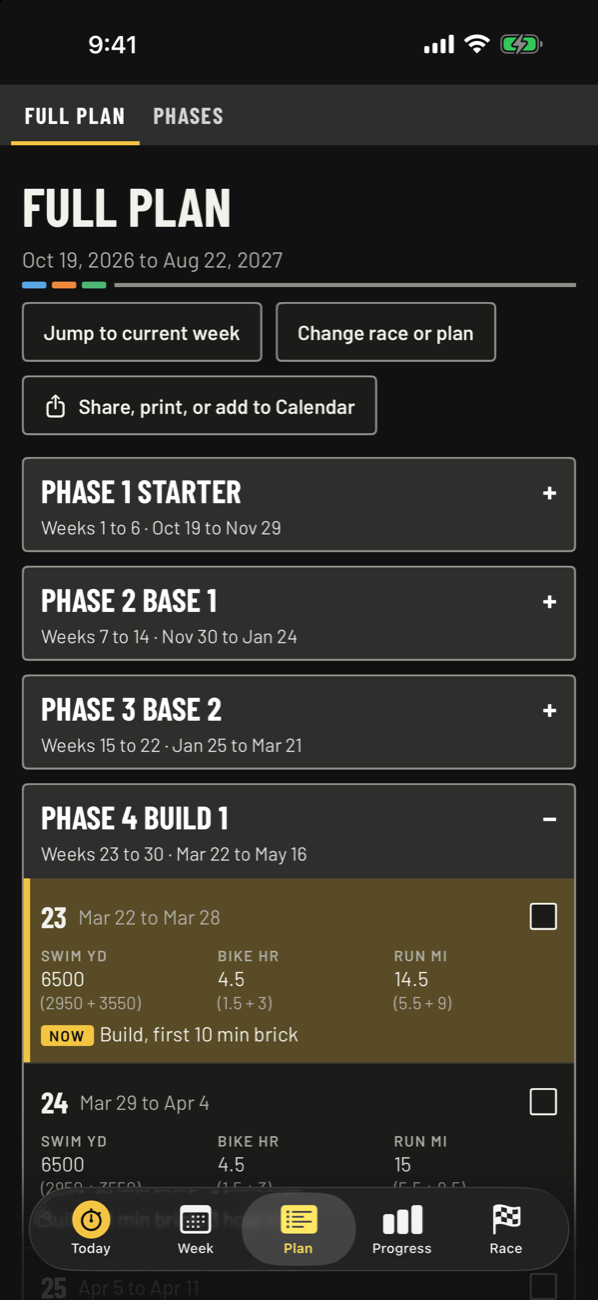
Your plan is built backward from race day, in phases.
Pick the date, and every week before it is laid out for you.
Choose half or full distance, your race date, your start date, and your level, and the plan is built backward from race day.
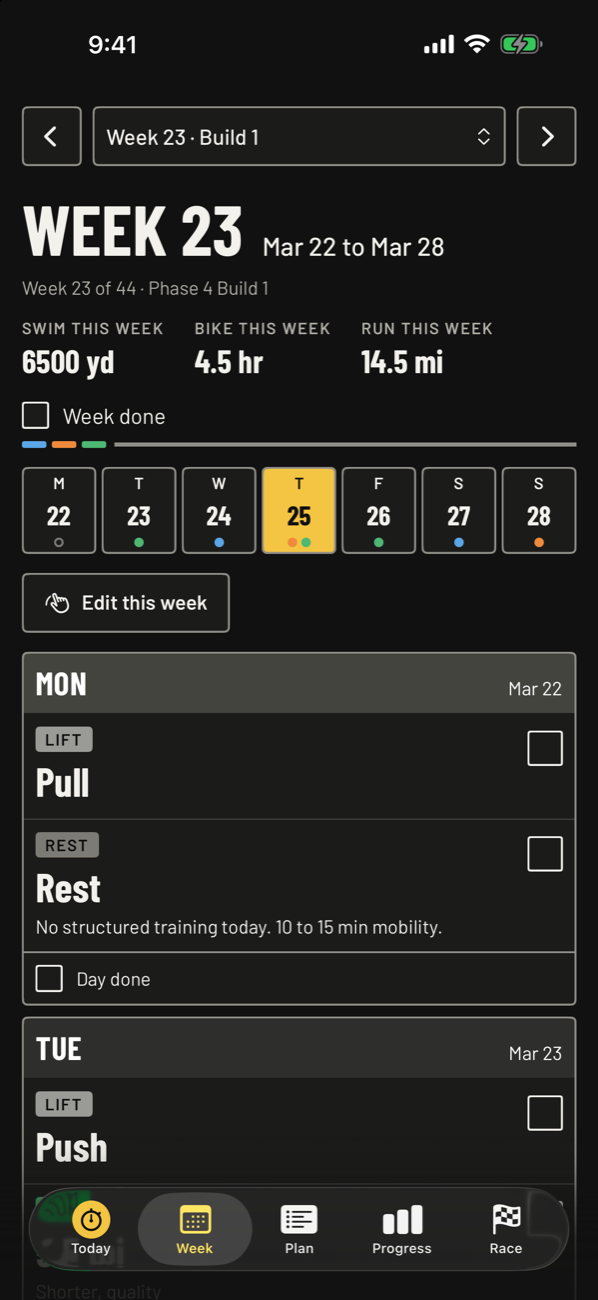
Put the long run, long ride, and swims on the days you want, and add strength days with your own names.
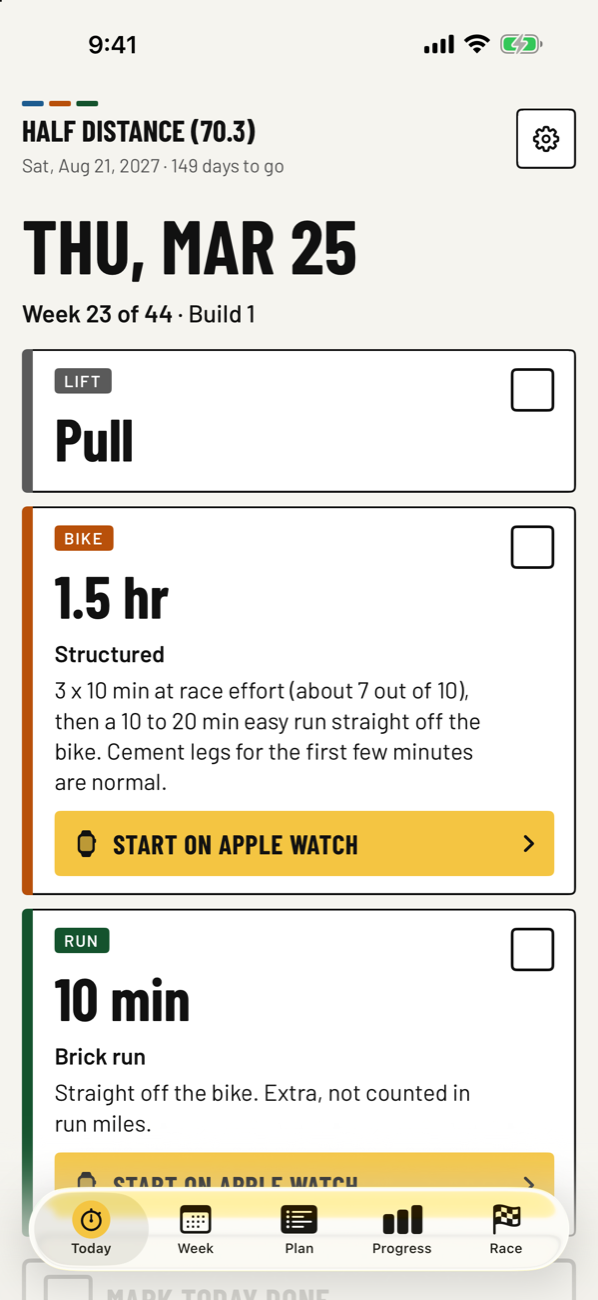
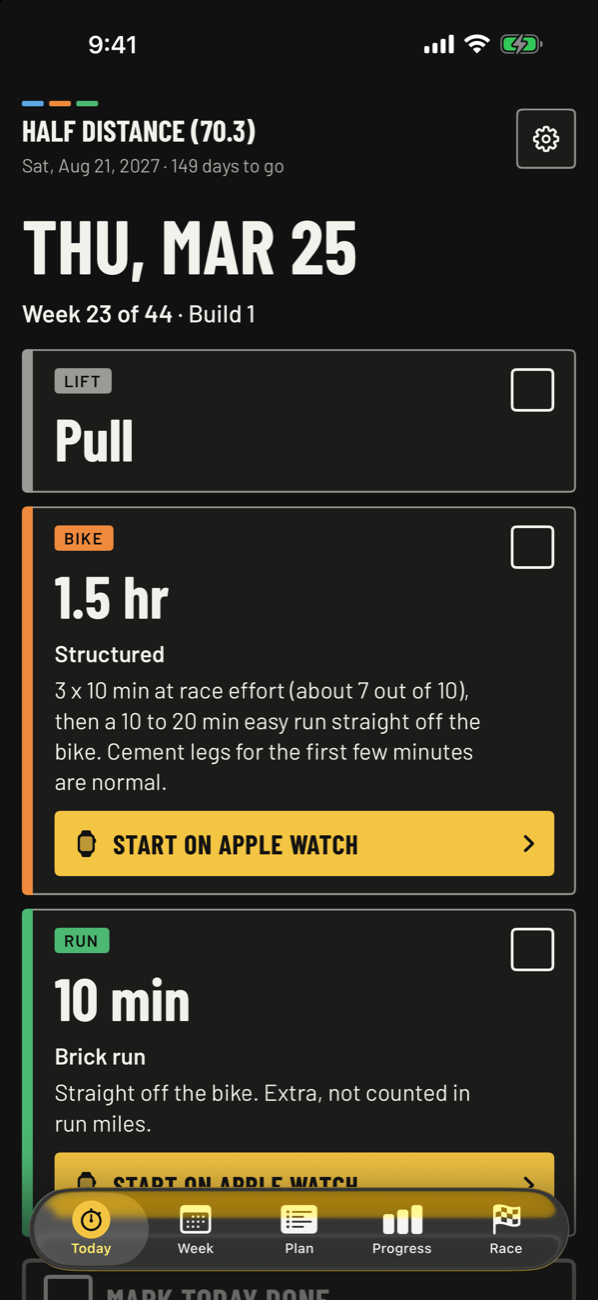
Today shows the day's workouts first, with a box to check for each one and a place to log how it went.
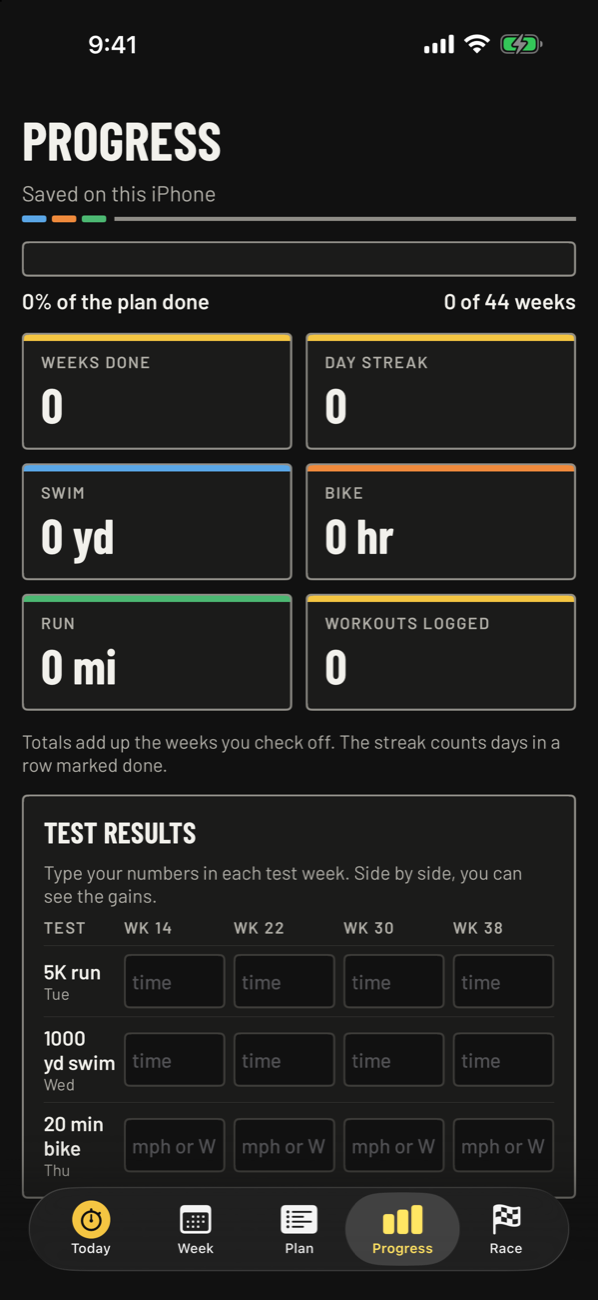
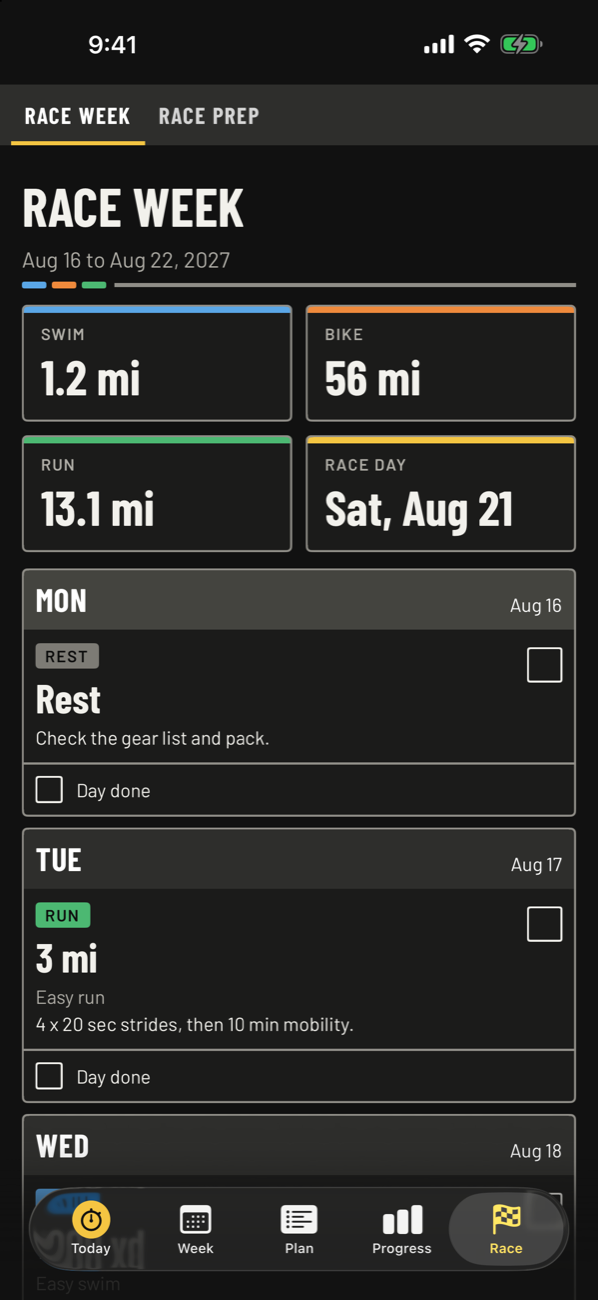
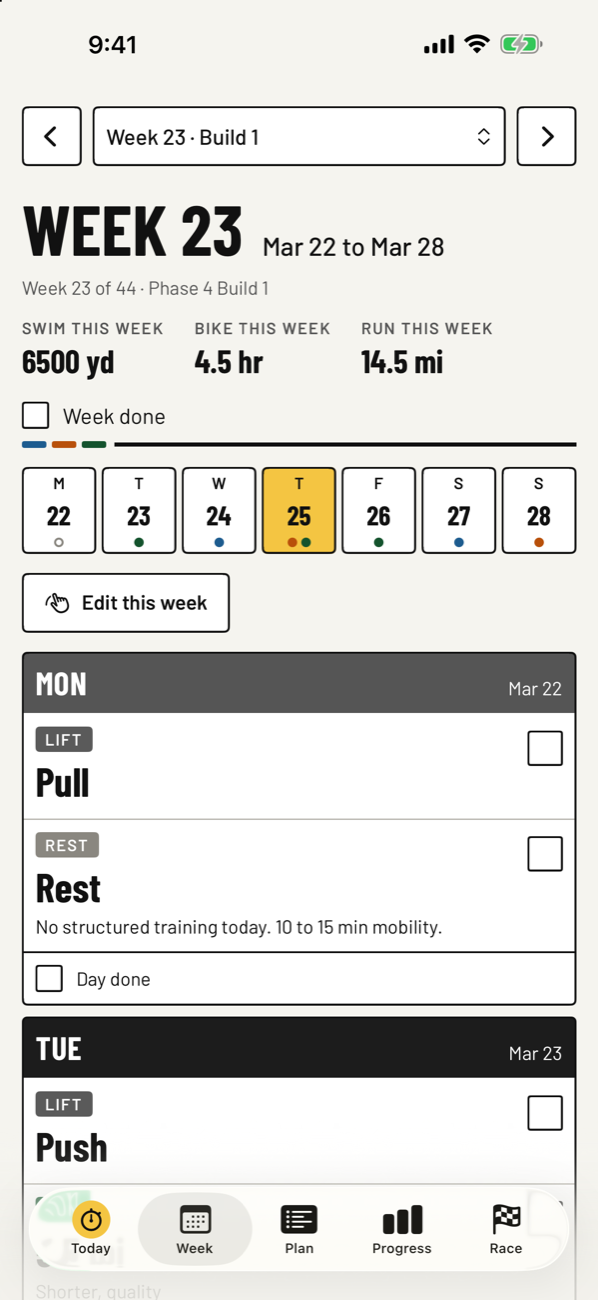
Swipe for more
Half or full distance, in Starter, Base, Build, Peak, and Taper phases.
Long run, long ride, and swims where you want them, plus strength days you name.
Log how it felt, what you actually did, a skip, or a cross-train.
Edit any single week by dragging workouts between days.
Do a week over without moving race day.
Optionally mark finished workouts done from Apple Health.
Send your plan to a friend as a file, print it as a PDF, or add it to iPhone Calendar.
Home Screen and Lock Screen widgets, and morning reminders.
Yards or meters, miles or km. Dark mode by default, light mode optional.
Tap the yellow button on a workout and it goes to the Workout app on your watch with the intervals, warm-up, and cool-down already built in. Then tap to start.
You can also keep the coming days on your watch, so the next workout is already there. Apple Watch is optional.
No account. No ads. No tracking. Your plan stays on your iPhone and in your iCloud.
Privacy policyTaper gives general training information, not medical advice. Check with your doctor before starting a training plan.